
Best Budget Laptops Under $300 in 2026 — Cheap Windows & Chromebooks
Shopping on a tight sub-$300 budget doesn't mean enduring frustrating lag. We evaluate energy-efficient Intel N-series quad-core processors, 1080p anti-glare screens, 8GB RAM configurations, and durable Chromebooks.
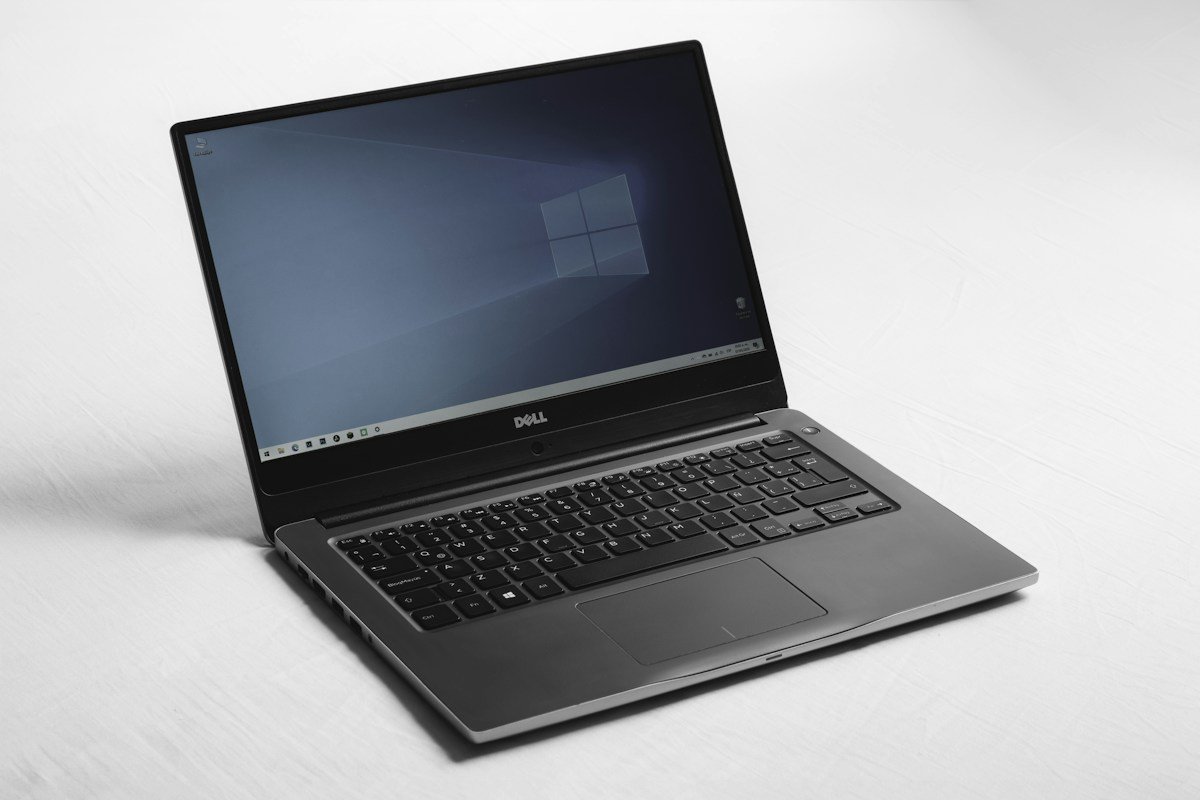
We benchmark laptops under $300 against strict minimum usability standards: Intel Quad-Core N100 or MediaTek Kompanio silicon (rejecting sluggish dual-core Celerons), minimum 1920x1080 Full HD resolution where possible, 8 to 12-hour real-world battery life, and comfortable keyboard travel.
| Award / Category | Top Pick | Processor & RAM | OS & Storage | Est. Price |
|---|---|---|---|---|
| Best Windows Laptop Under $300 | Lenovo IdeaPad 1 | Intel N100 (4 Cores) / 8GB DDR4 | Windows 11 / 128GB UFS/SSD | ~$249 |
| Best 2-in-1 Touch Chromebook | Acer Chromebook Spin 311 | MediaTek Kompanio / 4GB RAM | ChromeOS / 64GB eMMC | ~$219 |
| Best 14-inch Everyday Windows | HP 14-inch Laptop | Intel N200 / 8GB RAM | Windows 11 / 128GB SSD | ~$279 |
| Best Rugged School Chromebook | ASUS Chromebook CM14 | Kompanio 520 / 4GB RAM | ChromeOS / Military STD-810H | ~$199 |
1. Detailed Sub-$300 Laptop Evaluations
Lenovo IdeaPad 1 14-inch
Powered by Intel's highly efficient 4-core Intel Processor N100 and paired with a full 8GB of RAM, the Lenovo IdeaPad 1 delivers responsive everyday Windows 11 performance for Google Docs, YouTube, Microsoft Office, and 1080p video playback without the sluggish pauses common to dual-core machines.
Pros
- Intel N100 4-core chip delivers snappy single-thread web speeds
- 8GB RAM prevents freezing when multitasking across multiple tabs
- Up to 9 hours of battery life with quiet fanless cooling
- Comfortable, responsive keyboard layout for essay typing
Cons
- TN panel viewing angles are narrower than premium IPS screens
- Modest 128GB base storage requires cloud or microSD expansion
Acer Chromebook Spin 311
With a 360-degree dual-torque hinge and an 11.6-inch touchscreen, the Spin 311 flips from laptop to tablet mode instantly. Its ARM MediaTek processor delivers outstanding power efficiency, offering up to 15 hours of battery endurance on a single charge.
Pros
- Flexible 360-degree 2-in-1 touchscreen for reading and video viewing
- Exceptional 12 to 15-hour battery life on a single charge
- Compact, lightweight chassis easily fits in backpacks
- Fast ChromeOS boot times with zero background bloatware
Cons
- 11.6-inch screen size is compact for side-by-side window multitasking
- Limited to web apps and Android apps (no Windows desktop .exe files)
HP 14-inch Laptop (Intel N200)
Equipped with Intel's upgraded quad-core N200 processor and a full 128GB SSD, the HP 14 provides an extra boost of burst performance for video conference calls and larger spreadsheet files while retaining an affordable price point.
Pros
- Upgraded Intel N200 CPU with higher boost clocks for smoother multitasking
- True SSD storage delivers faster boot times than eMMC flash
- HP Fast Charge recharges up to 50% in approximately 45 minutes
Cons
- Integrated web camera is basic 720p resolution
2. Display Quality: IPS vs. TN Panels Under $300
Display quality is the single most noticeable compromise on sub-$300 laptops. Understanding panel technology helps set realistic expectations:
- Twisted Nematic (TN) Panels: Most sub-$300 Windows laptops use TN panels to cut manufacturing costs. TN screens have narrow vertical viewing angles—tilting the screen back causes colors to invert and wash out. They are functional for direct on-axis typing, but require careful screen angle positioning.
- In-Plane Switching (IPS) Panels: Found on select Chromebooks and higher-tier models, IPS panels maintain accurate colors and contrast across wide 178-degree viewing angles, significantly reducing eye strain during long reading and study sessions.
3. Storage Speed & Upgrades: eMMC vs. SSD
Many cheap laptops utilize soldered eMMC flash memory (essentially an onboard SD card). When an eMMC drive reaches 80% capacity, system write speeds can slow drastically during Windows background updates. Whenever possible:
- Look for models equipped with genuine NVMe SSD or UFS storage for 3x to 5x faster file transfer speeds.
- Check whether the laptop includes an accessible M.2 expansion slot, allowing you to add an inexpensive 256GB or 512GB SSD down the road.
4. Task Suitability: What a $300 Laptop Can & Cannot Do
| Use Case / Workload | Suitability Status | Practical Performance Expectation |
|---|---|---|
| Web Browsing & Research | Excellent | Smooth performance across 8–15 open Chrome tabs (with 8GB RAM). |
| Document Editing & Office | Excellent | Instant responsiveness in Google Docs, Word, Excel, and Canvas LMS. |
| Video Streaming & Zoom Calls | Good | Hardware video decoders play 1080p 60fps YouTube and Zoom smoothly. |
| 4K Video Editing / 3D CAD | Unsuitable | Integrated Intel UHD / ARM GPUs lack the compute power for heavy timeline rendering. |
| Modern AAA 3D Gaming | Unsuitable | Limited to 2D indie titles, retro emulation, or cloud gaming (Xbox Cloud / GeForce NOW). |
5. Sub-$300 Traps: 3 Specs You Must Avoid
- Dual-Core Celeron Processors (N4020 / N4500): Outdated 2-core processors that stutter during basic web multitasking. Insist on modern Quad-Core Intel N100 or MediaTek Kompanio chips.
- 4GB RAM on Windows: Windows 11 allocates nearly 3.5GB to baseline system processes, leaving insufficient headroom for browser tabs. Target 8GB RAM on Windows machines.
- 32GB eMMC Storage: Fills completely after initial operating system updates. Ensure a minimum of 64GB (on ChromeOS) or 128GB (on Windows).
6. Related Laptop Buying Guides
- Have a slightly larger budget? Read our Best Laptops for Students Guide.
- Step up to $1,000 performance: Best Laptops Under $1,000.
- Need student tablets? Check Best Tablets for Students 2026.