
Best Mechanical Keyboards 2026 — Gaming & Typing
Switch acoustics, hot-swap 5-pin PCB designs, Hall Effect rapid trigger latency, gasket mount cushioning, and CNC aluminum construction.
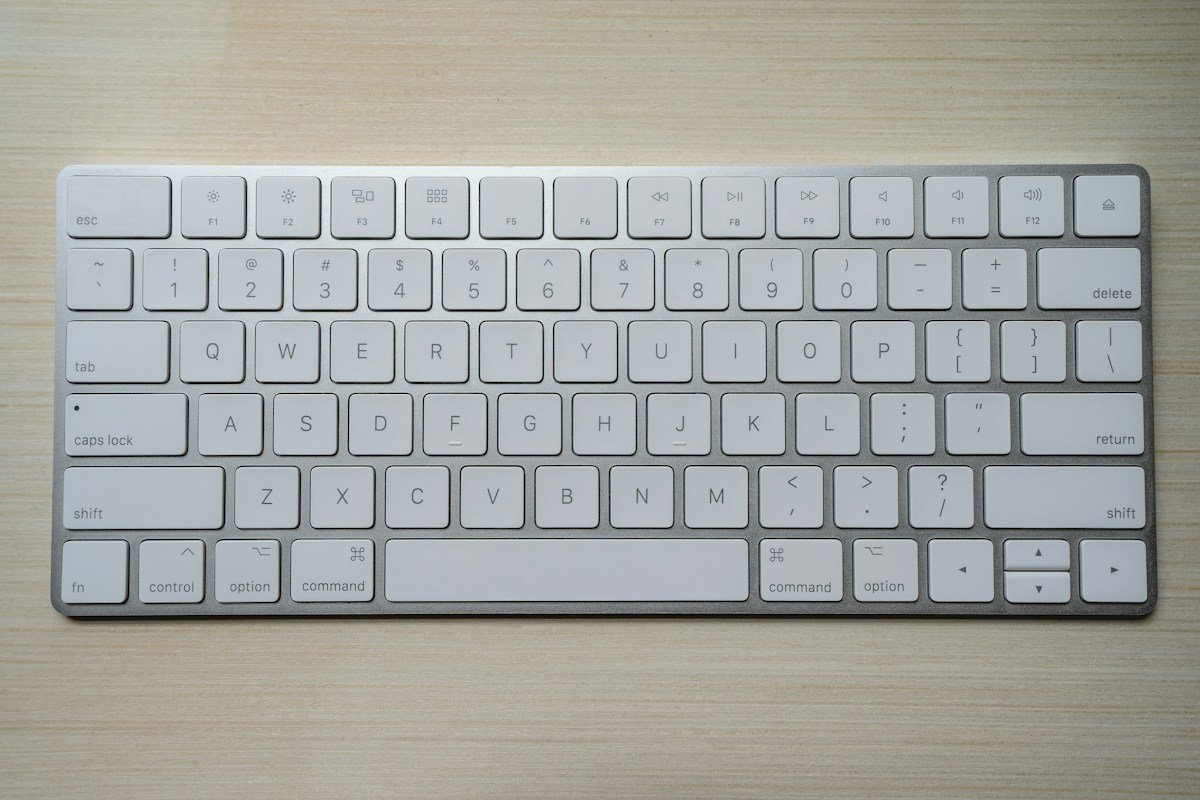
We analyze switch spring actuation forces, factory pre-lubrication quality, hot-swap 5-pin PCB compatibility, 2.4GHz polling rates (1000Hz+), gasket-mount acoustic foam dampening layers, and Double-shot PBT keycap durability from manufacturer technical specifications and independent keyboard community teardowns.
| Award | Model | Layout / Switch Type | Connectivity | Price Target |
|---|---|---|---|---|
| Best Overall Typing & Work | Keychron Q1 Max | 75% / Gateron Jupiter Tactile or Linear | 2.4GHz + BT 5.1 + Type-C | ~$219 |
| Best for Esports & Rapid Trigger | Wooting 60HE+ | 60% / Lekker Magnetic Hall Effect | Low-Latency Wired USB-C | ~$179 |
| Best Value Custom Aluminum | Epomaker Galaxy80 | Tenkeyless (TKL) / Gasket Mount | Tri-Mode Wireless (2.4GHz/BT/USB-C) | ~$109 |
Key Buying Factors for Mechanical Keyboards
Selecting the right mechanical keyboard involves balancing typing ergonomics, key switch actuation mechanics, acoustic sound profiles, and wireless connectivity.
1. Mechanical & Magnetic Switch Types
- Linear Switches (Red/Yellow): Feature a smooth, uniform keypress from top to bottom with zero tactile resistance. Highly favored by competitive gamers for quick double-tapping.
- Tactile Switches (Brown/Panda): Provide a subtle physical bump at the exact actuation point, offering satisfying finger feedback for typing long essays and programming code without bottoming out.
- Hall Effect Magnetic Switches: Replace traditional metal contact leaves with magnetic sensors. This architecture allows continuous key-travel tracking and adjustable Rapid Trigger resets down to 0.1mm.
2. Gasket Mounting & Acoustic Dampening
Modern keyboards use double-gasket mounting designs where the switch plate floats on silicone or poron dampeners rather than being screwed directly into a stiff metal case. Combined with IXPE switch pads, PET acoustic films, and latex bottom foam, this construction reduces harsh bottom-out impact and creates a deep, satisfying typing sound profile.
3. Form Factor & Desk Real Estate
- 75% Layout (e.g., Keychron Q1 Max): Retains dedicated arrow keys and the top function row while reducing width by 25% compared to full-sized boards.
- 60% Layout (e.g., Wooting 60HE+): Maximizes mouse swipe room on smaller gaming desks by shifting arrow and function keys into customizable modifier layers.
- Tenkeyless / TKL (e.g., Epomaker Galaxy80): The traditional standard layout minus the number pad, balancing productivity and typing familiarity.
Top Product Evaluations
Keychron Q1 Max (75% Wireless)
The Keychron Q1 Max represents the gold standard for out-of-the-box typing acoustics. Built with a solid CNC-machined 6063 aluminum chassis, double-gasket acoustic mounting, and pre-lubricated Gateron Jupiter switches, it delivers a deeply satisfying sound profile without requiring custom DIY modifications. It features open-source QMK/VIA web browser remapping and seamlessly toggles between macOS and Windows via a physical side switch.
Pros
- Heavy full CNC aluminum enclosure provides exceptional desk stability
- Double-gasket mount with multi-layer acoustic foam eliminates metallic ping
- Tri-mode connectivity (2.4GHz with 1000Hz polling, Bluetooth 5.1, and USB-C)
- Universal QMK/VIA firmware allows driverless key remapping in any web browser
Cons
- Heavy build (over 3.7 lbs) is intended strictly for stationary desk use
- High front height makes an ergonomic wrist rest recommended for long sessions
Wooting 60HE+ Hall Effect
The Wooting 60HE+ pioneered analog Hall Effect magnetic switches for competitive PC gaming. Utilizing contactless Lekker magnetic switches, its Rapid Trigger technology dynamically resets keys the instant upward motion begins—eliminating physical debounce delay and allowing hyper-responsive counter-strafing in games like Counter-Strike 2 and Valorant.
Pros
- Analog Hall Effect sensing allows per-key actuation adjustments from 0.1mm to 4.0mm
- Rapid Trigger technology dynamically deactivates keys the millisecond they are released
- Wootility web software provides driverless, real-time actuation calibration
- Ultra-compact 60% footprint frees up substantial mouse pad space for low-DPI aiming
Cons
- Compact 60% layout requires learning layer shortcuts for arrow keys and function rows
- Wired USB-C only (no wireless connectivity)
Epomaker Galaxy80 (TKL Wireless)
The Epomaker Galaxy80 delivers a solid CNC aluminum unibody build at nearly half the price of traditional enthusiast boards. Featuring a familiar Tenkeyless (TKL) layout, 5-layer acoustic dampening, hot-swappable 5-pin PCB sockets, and tri-mode wireless connectivity, it represents one of the strongest price-to-performance options in the mechanical keyboard space.
Pros
- Full metal aluminum body construction under $110
- Gasket-mounted plate with 5 layers of sound-absorbing foam
- Hot-swappable sockets support both 3-pin and 5-pin mechanical switches
- Tri-mode connectivity supports 2.4GHz wireless, Bluetooth, and Type-C wired
Cons
- Proprietary driver software is less streamlined than open-source QMK/VIA
- Stock stabilizers can occasionally benefit from extra user lubrication